Dolphin 2606a is now the sensible baseline for a regular setup. The Dolphin project published a high-severity security advisory on August 11, 2026, covering a flaw that could let specially crafted guest code corrupt host memory and potentially run code inside the Dolphin process. The patched release is 2606a, while development builds are patched starting at 2606-235.
My recommendation is simple: confirm the full version, back up Dolphin’s user directory, and install 2606a or a newer patched build from the project’s official channel before the next session. Do not test the flaw, download a mystery build, or replace a working user folder during the update.
Back in the NES and Genesis years, the risky part of an update was usually me bumping the cartridge while trying to improve the picture. Modern emulation has a few extra layers. The good habit is still familiar, though: protect the save, change one thing, and make sure normal play still works.
The version number makes this decision
The project’s official Dolphin security advisory lists versions earlier than 2606a and development builds earlier than 2606-235 as affected. It identifies Dolphin 2606a and development build 2606-235 as patched. That is the whole update decision. If the About window shows an older number, update. If it shows 2606a or a newer patched build, this specific advisory is addressed.
The issue sits in Dolphin’s default high-level audio emulation path. The advisory explains that guest-controlled data could select an invalid array position and write outside the intended buffer. A regular player does not need to reproduce that behavior or understand the code patch. The practical response is to use a fixed version and avoid untrusted game files, homebrew, patches, and unofficial emulator packages.
Do not confuse an operating-system package version with Dolphin’s own build number. Open Dolphin and check the version it reports. If a package manager has not delivered the patched release, use the official project channel available for the operating system or wait for that trusted package to update. A random download promising the right number does not become trustworthy by wearing a convincing filename.
Back up the user directory, not a pile of installers
Dolphin stores saves, settings, screenshots, and other personal data in its user directory. The project’s user-directory guide explains that the location depends on the operating system and configuration. On current default setups it may be under AppData on Windows, Application Support on macOS, an XDG data path on Linux, or scoped app storage on Android.
Close Dolphin completely before copying that directory. Preserve the folder structure and give the backup a date. Do not merge it with an older folder during the update. The point is to create a rollback copy of saves and settings, not to rearrange them while the target is moving.
For a compact user folder, a USB flash drive used only as a temporary backup can be adequate when its connector and capacity fit the computer. For a larger folder with screenshots, texture packs, or several emulator backups, an external solid-state drive is the cleaner category to consider. Check capacity, connector, and operating-system compatibility before buying either. The backup also needs to be readable after the copy, so open a few ordinary files before calling it finished.
Install the fixed build without changing the setup
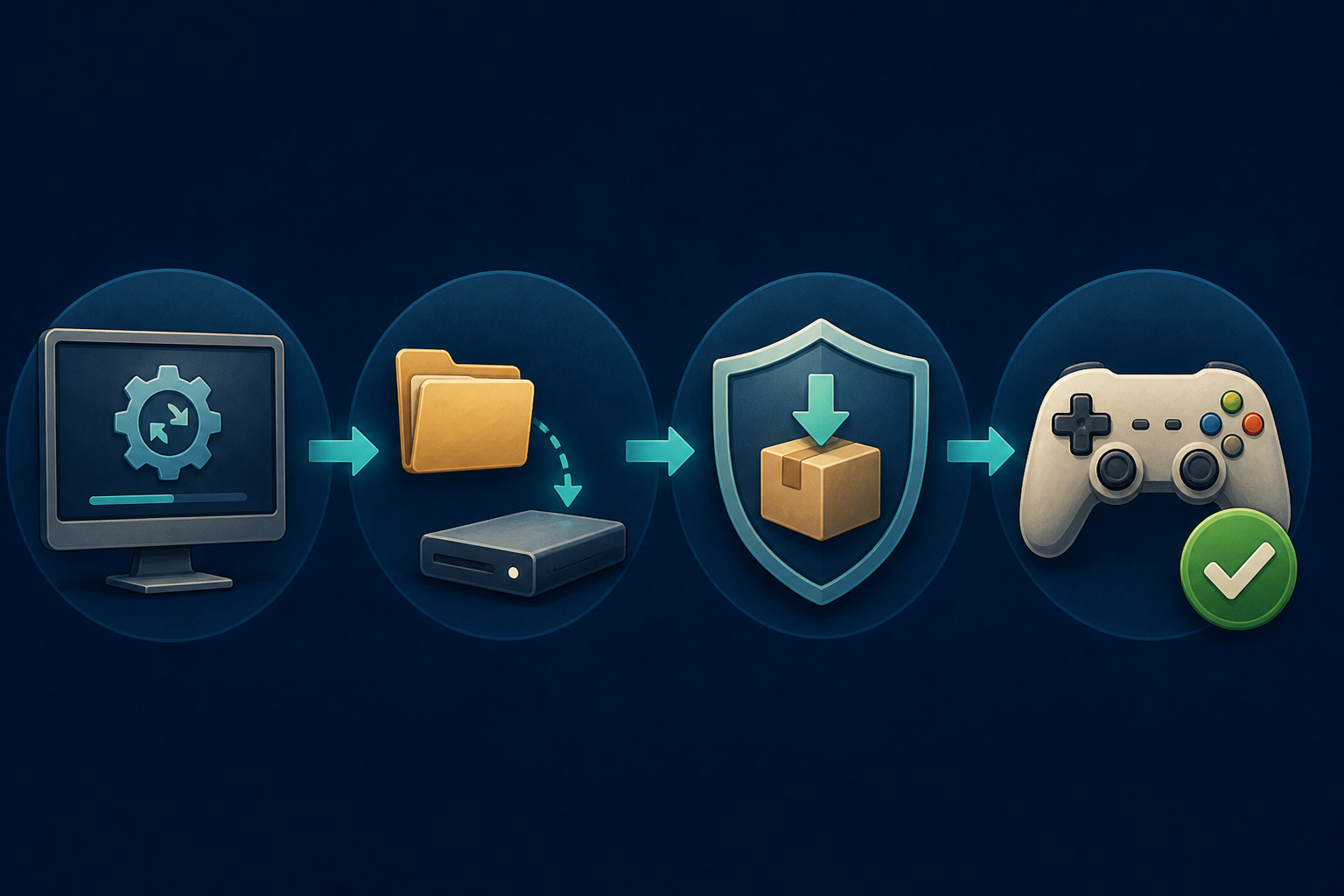
Use Dolphin’s official updater when it offers the patched release, or obtain the release through the official project distribution for the operating system. Keep the existing user directory in place. An update should replace program files through the supported method while leaving personal data where Dolphin expects it.
If a platform package is maintained separately, confirm that its installed Dolphin build is patched before launching content. Flatpak, an operating-system repository, and a portable archive can update on different schedules. Choose one trusted installation route and remove stale shortcuts that might launch an older copy. Two dolphin icons pointing at two builds is the software version of keeping an unlabeled controller extension in a box. Eventually it gets plugged into the wrong thing.
Do not copy old executable files into the new program folder. Do not disable security software to make an unofficial installer run. If the supported update path fails, stop and check the project’s documentation or package maintainer rather than assembling a custom hybrid.
Run one ordinary test
After updating, open Dolphin without launching a game and verify the version again. Confirm that the game list, controller profile, and save locations still appear. Then launch one title from game content you are legally entitled to use, load a normal in-game save, play briefly, and exit through the usual controls.
Use an in-game save for this check instead of treating a save state as the only recovery copy. Save states depend on emulator state and can be less portable across versions. If settings or saves are missing, close Dolphin and compare the active user-directory path with the backup. Do not overwrite the current folder until the mismatch is understood.
The NerdHobbies RetroArch starter guide covers the same useful separation between ordinary saves and states. The site’s emulation and copyright policy also sets the boundary for lawful game and system files. A security update is not a reason to hunt for replacement ROMs, BIOS files, encryption keys, or bundled libraries.
My Dolphin 2606a call
Update any older Dolphin release to 2606a or a newer patched build before normal use. Back up the complete user directory first, keep the legal game library separate, install through a trusted official route, and perform one routine launch test. If the reported build is already patched, leave the rest of the setup alone.
Protect the saves, check the number, and let the security fix be boring. Gamer Dude out.