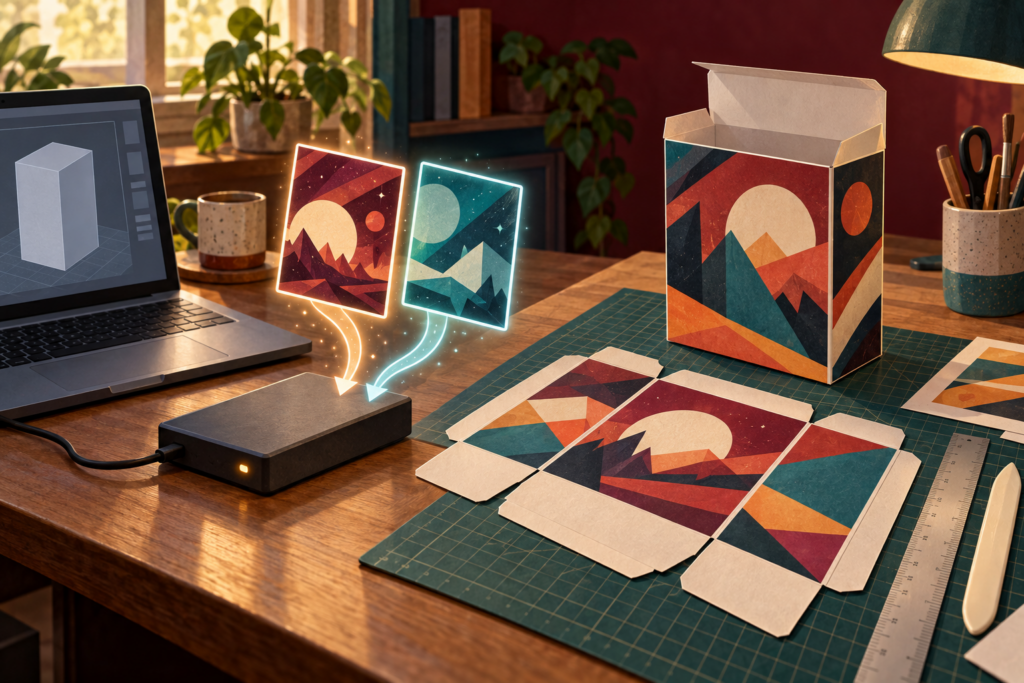
GOG is putting a little of the old PC shelf back into digital libraries. Selected Preservation Program games now include downloadable 3D box scans and printable versions. That is a lovely excuse for a weekend craft project, provided the first fold happens to a copy and not the only file.
My recommendation is to keep the downloaded files untouched in a master folder, duplicate the printable version into a separate project folder, and test the layout on ordinary paper before using nicer stock. Build the display copy for fun. Preserve the original download as the thing you can start from again.
The box files are an authorized extra
On September 8, GOG announced downloadable 3D scans and printable box versions for selected Preservation Program titles. The files accompany a program update that added two games and refreshed several existing entries. GOG describes the 3D scans as viewable in the default 3D apps on Windows and Mac, while the printable versions are meant for building DIY boxes.
GOG added another group of older games to the program during its 17th anniversary update on September 29. That later list confirms the preservation program is still active, but it does not say every newly added title includes a printable box. Check the extras shown for the exact game in your account. Do not assume a file exists because another title received one.
The files offered with your library copy are the safe source. Do not grab a mystery scan from a reposting site or redistribute the download. A printable extra is permission to use the provided extra through the offered route, not a blank license for every piece of vintage box art on the internet.
Keep a master folder that never meets scissors
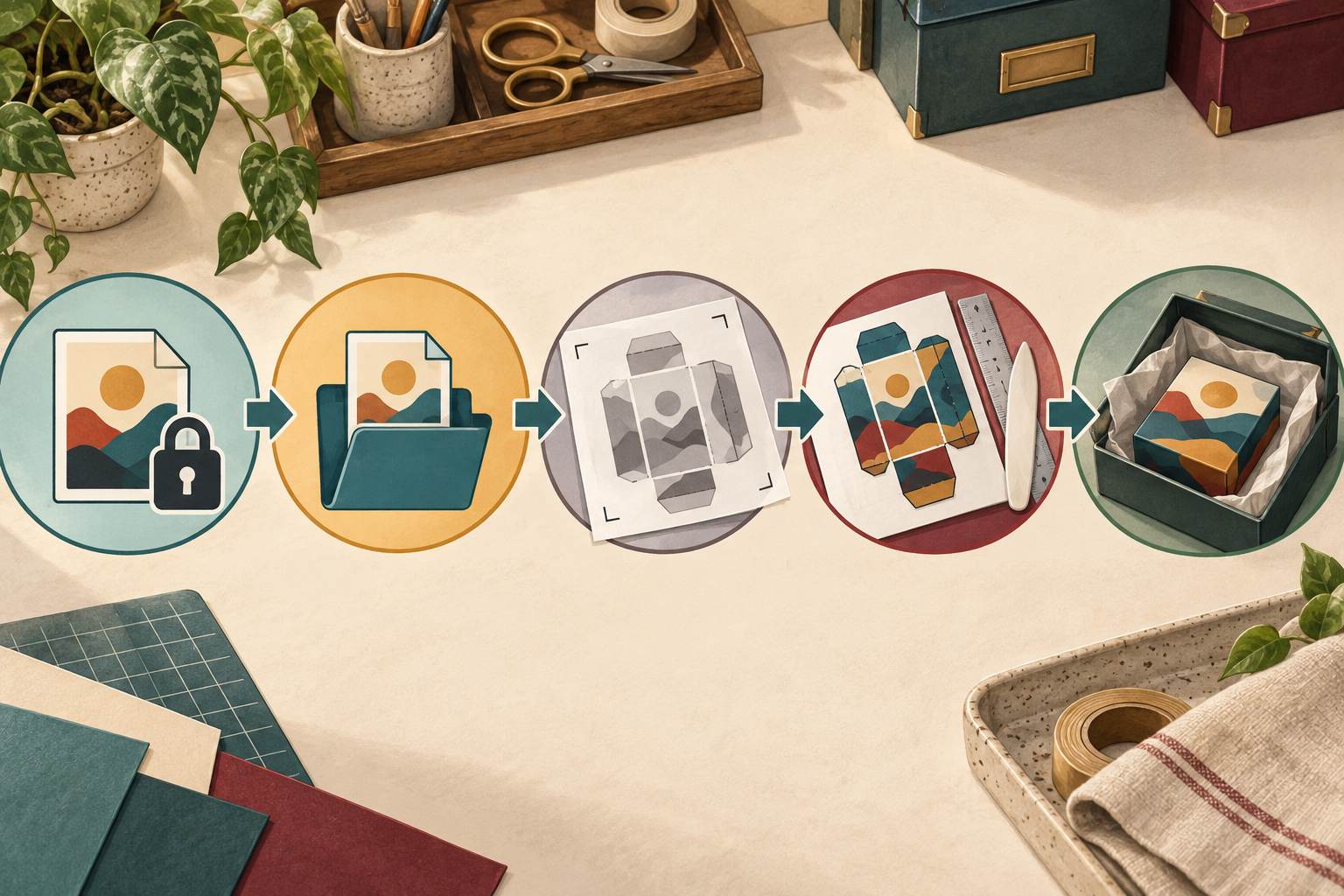
Create one folder for the original download. Keep its filename and the accompanying files together. Add a plain text note with the game title, the date downloaded, and the GOG library source. Then make a second folder for the version you will resize, crop, or print.
The Library of Congress personal digital archiving resources emphasize that digital material depends on technology and needs deliberate care. For a home project, that means choosing the files you want to keep, naming them sensibly, and maintaining copies in separate locations. One folder on one computer is a convenience, not preservation.
This is different from the site’s guide to backing up GOG offline installers. An installer protects the route back to the game. The box scan and printable artwork protect a separate piece of packaging history. Store them near each other if that helps, but label them as different assets with different jobs.
Test the shape before the color
Open a duplicate of the printable file and inspect the page size, crop marks, panel order, and print settings. Do not use “fit to page” automatically. That option can shrink the panels and leave tabs that no longer meet. Start with the size intended by the supplied file, and let the print preview reveal any clipping.
Print one low-ink test on plain paper. Cut the outside shape loosely, fold the main edges, and confirm that the front, back, spine, top, and bottom meet in the expected order. If the test is too large for the available printer, split the job only in a working copy. Leave the master exactly as downloaded.
A cork-backed metal ruler for paper craft can help keep long score lines steady if this will be more than a one-box experiment. Pair it with a blunt scoring tool and a cutting surface appropriate to the tool you use. Keep fingers out of the cutting path, and use scissors when that is the safer, more familiar choice.
Build a display copy, not a counterfeit
Print the authorized file for your own shelf project and keep the result honest. Do not add fake wear, old retail stickers, or missing authentication marks to make a new print look original. Mark the inside flap with the print date and “reproduction” in pencil before assembly. That note will not spoil the display, and it prevents a future owner from mistaking craft work for vintage packaging.
Score fold lines gently before bending the stock. A score compresses the paper fibers along the intended fold, which reduces random cracking and crooked corners. Test the pressure on a scrap from the same sheet. Heavy force can cut through the print, while no score at all can make a thick panel fight back like a cartridge that was “working yesterday.”
Use the least aggressive assembly method that holds the chosen paper securely. Keep adhesive away from the printed face, let it cure on a clean surface, and do not put a newly assembled box next to an original manual or cardboard box until the materials are dry and stable.
Store paper for the next weekend
The Library of Congress guidance for care and storage of works on paper recommends clean handling, a cool and relatively dry stable environment, minimal light, and supportive protective enclosures. It specifically warns against rubber bands, pressure-sensitive tape, and glue as organizing tools for collection material.
Your new print is replaceable, so it does not need museum theater. It does benefit from the same sensible conditions. Keep it out of direct sun, away from vents and damp walls, and supported so the panels do not bow. Store unused flat prints separately from original manuals or boxes.
An acid-free document box is useful if you plan to keep several flat tests, spare prints, or instruction sheets together. Buy one only if the stack needs protection and the size fits without forcing a fold. A clean folder in a stable cabinet is enough for a small project.
Keep the digital and paper versions separate
After the box is finished, save the working file only if it contains changes worth repeating. Give it a name that identifies it as the print version. Keep the original master in its own folder and include it in the normal backup rotation. Photograph the finished reproduction if you want a record of the craft result, but do not treat that photo as a substitute for the source file.
My rule for GOG’s big-box extras is simple: preserve the download, experiment on a duplicate, and label the finished piece as a reproduction. The shelf gets its nostalgia without turning the archive into confetti.
May your corners meet and your master files stay flat.
Mike, aka Gamer Dude