Keep GOG’s Big-Box Files Flat Before You Fold Them
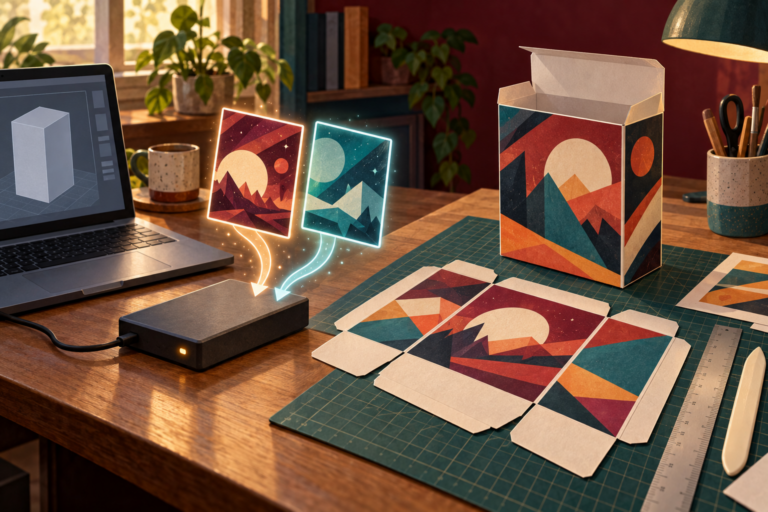
Preserve GOG’s downloadable big-box files as untouched masters, test a duplicate on plain paper, and label the finished shelf copy as a reproduction.
Retro Games, Emulation & Classic Hardware
Retro gaming lives here
Guides, gear, hidden gems, and preservation-minded emulation for people who still hear the startup sound in their dreams.
Browse the latestPreserve GOG’s downloadable big-box files as untouched masters, test a duplicate on plain paper, and label the finished shelf copy as a reproduction.
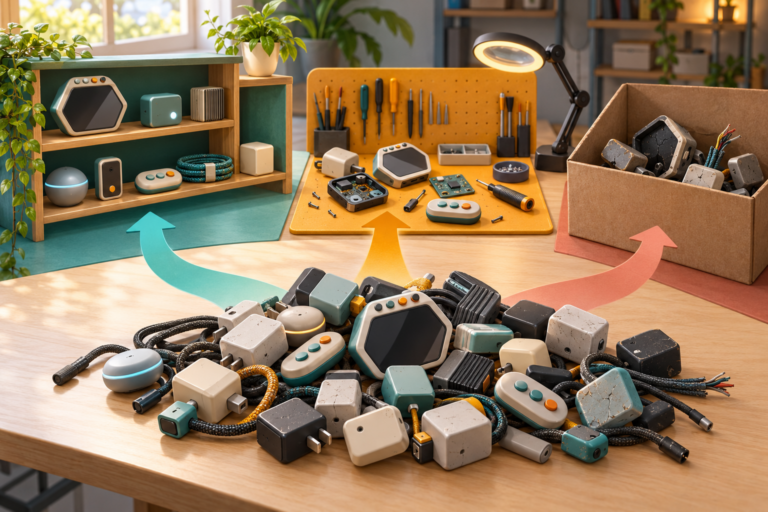
Sort old gaming cables, controllers, adapters, handhelds, and battery devices into reuse, repair, or verified recycling routes before anything leaves the house.
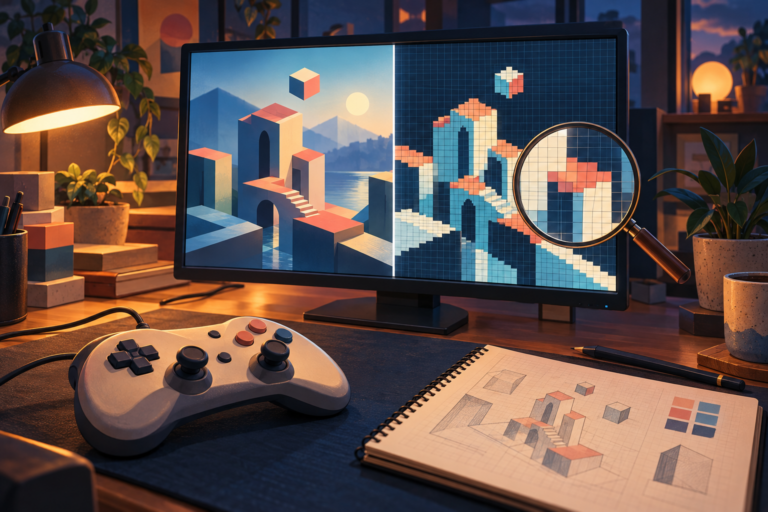
Keep PPSSPP on a hardware renderer for normal play, then use the improved software renderer for one controlled graphics comparison and a useful report.
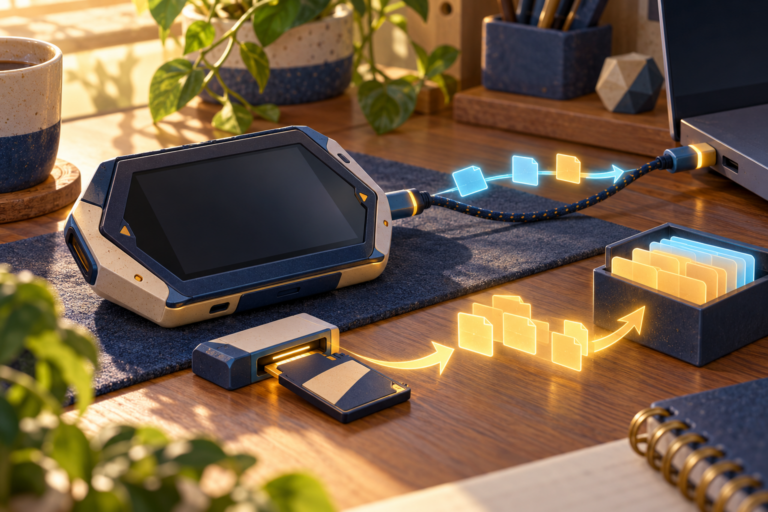
Update Analogue Pocket to 2.7, back up the microSD card, use USB for small changes, and keep large library transfers on a card reader.
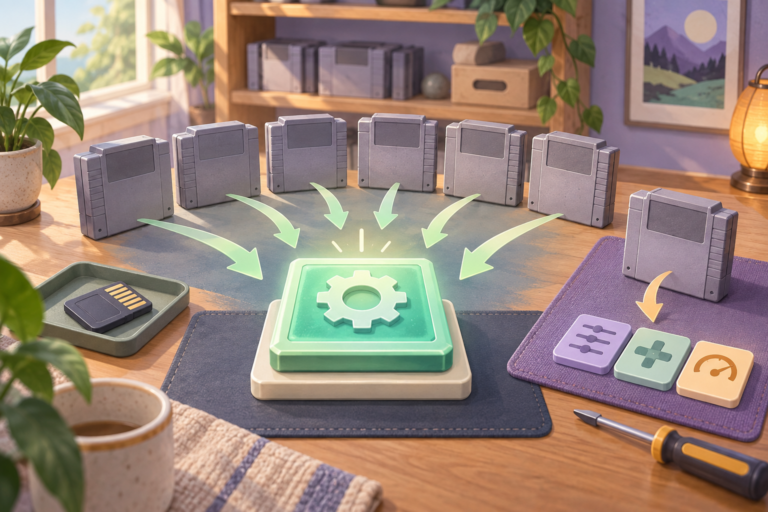
Update to Analogue 3D OS 1.5.1, protect the SD card, apply the recommended Library Hardware reset, and keep later exceptions cartridge-specific.
Keep PCSX2 2.8 on its current renderer default, run one repeatable test, and create a per-game exception only when a specific fault proves it is needed.
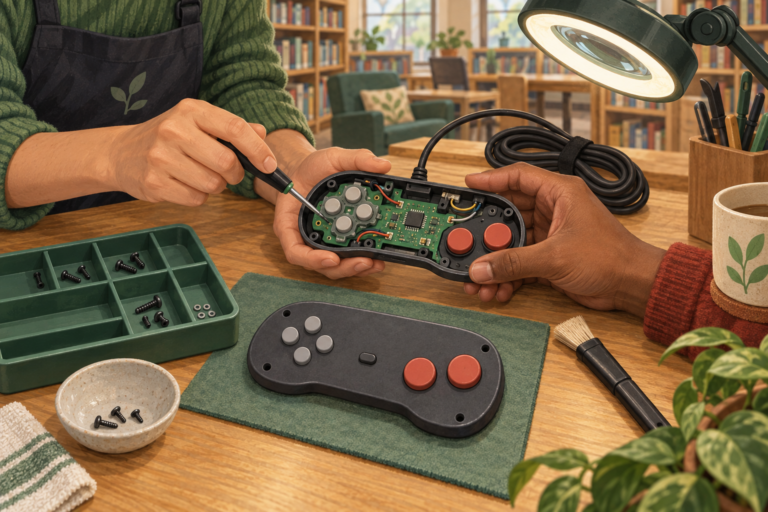
Record one controller fault, confirm the repair event accepts electronics, bring the needed cable or receiver, and let diagnosis choose the next step.
Choose one standard Atari and Activision cartridge for play, verify the console route, and leave the deluxe collections to display-focused collectors.
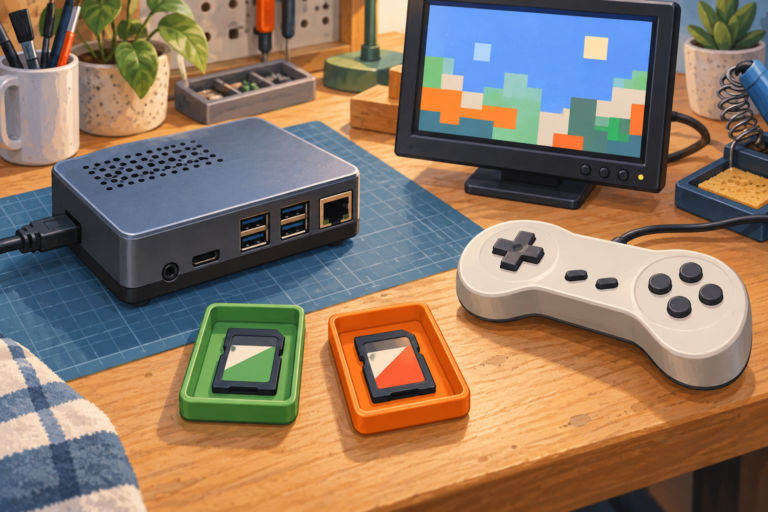
Use a dedicated card, match the official image to the exact Raspberry Pi, verify the flash target, and test one lawful title first.
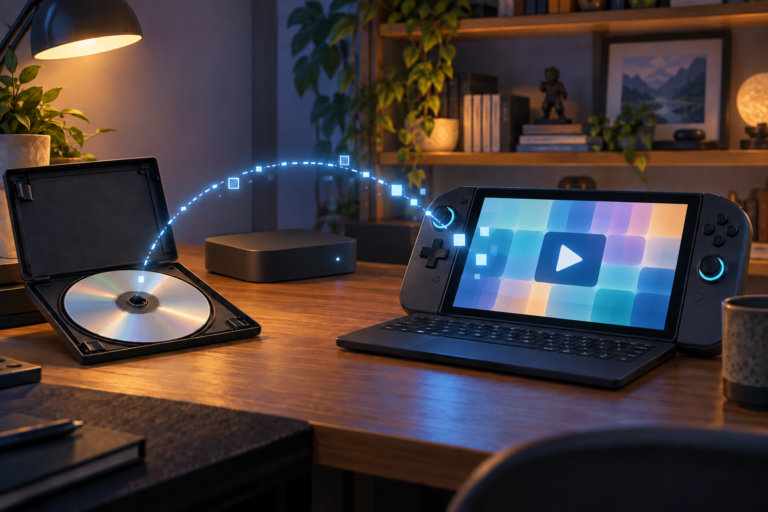
Claim a supported Xbox disc entitlement on the console, verify the exact handheld route, and keep the physical disc protected.