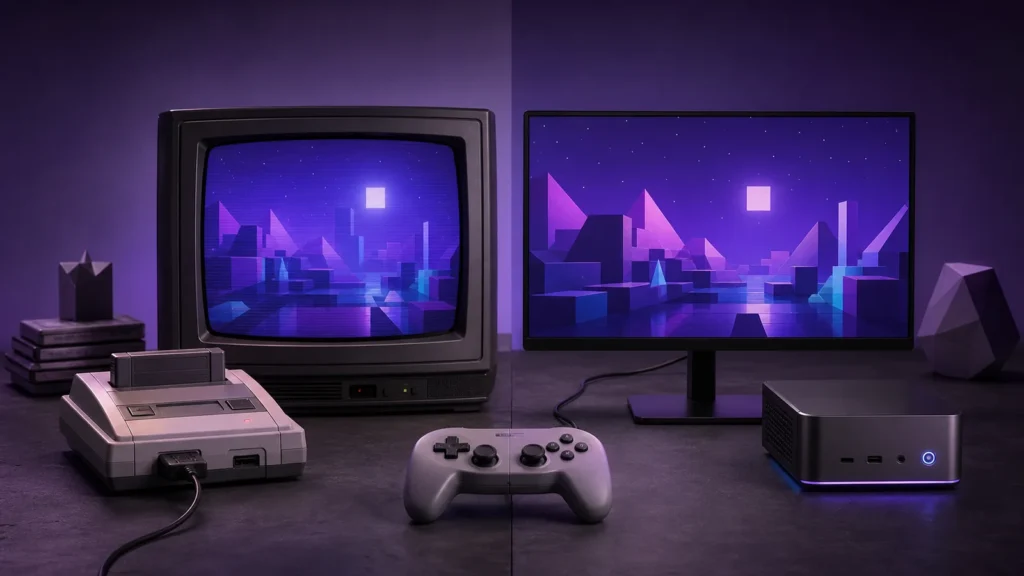
My rule is straightforward: keep original hardware for systems whose controller, physical media, or odd accessories change the experience. Emulate the systems you mainly want to play conveniently. That puts the decision on the games instead of turning it into a loyalty test.
I’ve changed my answer to this question more than once. I sold consoles during the PS1 and PS2 years to fund the next machine, then spent years wishing I’d kept a few of them. At the same time, emulation has let me revisit games without rebuilding an entire wall of hardware. My shelves and my wallet have mixed feelings.
What the old console gets right
Original consoles provide the physical controllers, expansion devices, cartridges, and system behavior for which games were designed. Light guns, unusual rhythm accessories, link cables, and other peripherals can make the original machine the simplest route. The tradeoffs are aging capacitors, optical drives, batteries, analog-video connections, storage, and rising replacement costs.
Why the convenient option gets played
Emulation consolidates systems, supports flexible controllers, enables portable save backups, and can improve scaling or accessibility. It also introduces configuration choices and system-specific compatibility. Required game, firmware, or BIOS files are not automatically included; use only files you are legally entitled to use.
The television has a vote too
Use a CRT when light guns, period-correct motion, or the original analog look is central to the setup. Otherwise, use a modern display and a low-latency scaler matched to the console’s output. Avoid the cheapest one-cable converters for timing-sensitive games; they often treat a game signal like ordinary video. This retro gaming HDMI adapter search is useful for seeing the connection types, but the console’s composite, S-Video, component, or RGB output determines the category you need.
Most collections land somewhere in the middle
My own split is original hardware for meaningful peripherals and sentimental favorites, then emulation for travel, save preservation, and convenient access to lawful files. A modern controller can cover several emulated systems while the original pads stay connected to the consoles that benefit from them.
Original hardware makes sense when the physical media, controller, or unusual accessories are part of the experience. Emulation becomes attractive when space is tight or you want portable saves and several systems on one device. Plenty of collections use both: the treasured consoles stay connected, while the less personal libraries live on a compact emulation box.
Budget for the entire signal chain, rather than only the console or computer. Controllers, display conversion, storage, replacement power supplies, and maintenance often determine whether a setup is enjoyable.
| Question | Original hardware | Emulation |
|---|---|---|
| Space | Console, media, cables, controllers | One device can cover several systems |
| Display | May need analog support or conversion | Usually outputs directly to a modern display |
| Maintenance | Aging drives, batteries, ports, and power supplies | Software updates, storage, and configuration backups |
| Special accessories | Often the most direct support | Support varies by project and adapter |
| Saves | May rely on aging batteries or memory cards | Easy to copy when folders are managed well |
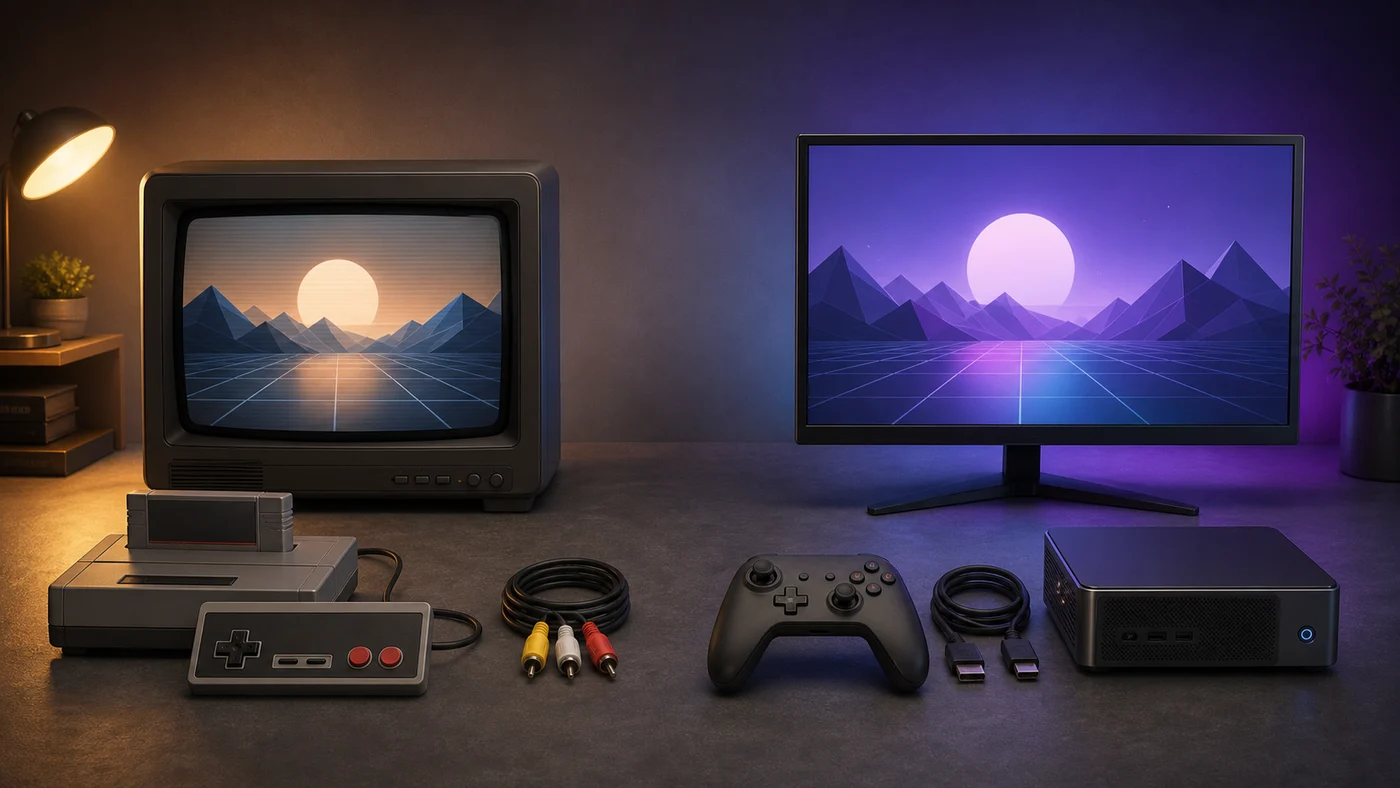
There are nights when I want the original controller, the cartridge, and the little startup sound I’ve known for decades. There are other nights when I want to pick a game, press one button, and be playing before the pizza gets cold. Both are real ways to enjoy old games.
Choose it when the controller, cartridge handling, local multiplayer accessories, or display behavior is part of the appeal. Budget for known-safe power, suitable video output, and maintenance. Read the console maintenance starter guide before opening aging equipment.
Choose it when you want quick switching, portable saves, controller remapping, accessibility options, or a smaller footprint. The work shifts from physical maintenance to software organization. Our emulator selection checklist helps separate compatibility from marketing claims.
Limit the physical shelf to systems with unique accessories or personal value, then use one emulation device for the rest. Back up its saves and configuration separately. If several digital devices share one screen, an HDMI switch must pass the highest resolution and refresh rate in the group. A lower-rated switch caps every source connected through it.
Review the setup after a few months. If a console is never used because connecting it is tedious, improve that connection or reconsider its place. If configuration work replaces playing, reduce the number of emulated systems and return to a known working baseline.
Imagine you have forty minutes free. If the original console is connected and ready, loading a cartridge may be part of the charm. If it lives in a box behind three other systems, the emulated copy you are legally entitled to use may get played more often. Convenience is not a character flaw. It is part of designing a hobby around real life.
Some games simply feel better with the odd controller they were built around. Light guns, fishing rods, dance mats, microphones, and link accessories can turn a familiar game into the main event when friends visit.
Sentimental value counts
A system doesn’t need to win a spreadsheet comparison to deserve shelf space. Maybe it was a birthday gift, the first console you repaired, or the machine that hosted legendary weekend tournaments. Keep it because you like it. The practical comparisons in this guide are tools, not rules.
The same freedom applies in the other direction. You don’t need to to collect every console from a favorite era. A compact emulation setup can leave more room and money for the systems that genuinely mean something to you.
Keep the hardware that gives you a grin, emulate where convenience helps, and don’t let anybody turn your game room into an argument. I’ll be over here trying to remember why I ever sold that GameCube. Gamer Dude out.