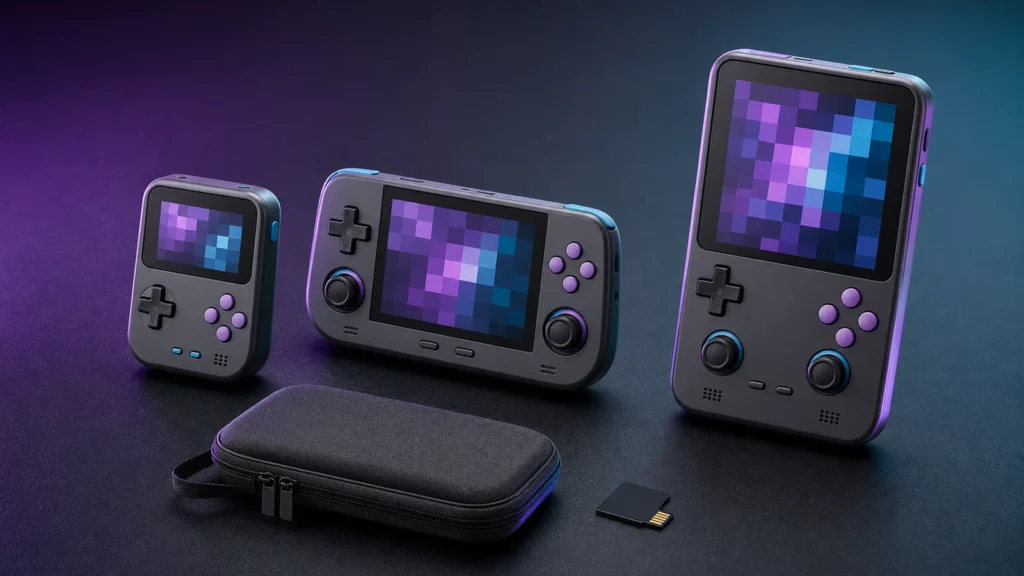
Retro handhelds are dangerously easy to collect. They arrive in cheerful colors, promise half of gaming history, and somehow make a slightly different screen ratio feel urgent. The trick is choosing the one you will carry and play, rather than the fifth one that looks charming on a shelf.
My original Game Boy survived road trips, a backpack full of school books, and more dropped batteries than I’d like to admit. Modern retro handhelds feel almost magical by comparison. Better screens, rechargeable batteries, and a whole shelf’s worth of systems in one little device? Twelve-year-old me would’ve lost his mind.
Picture where and what you will play
Start with the three systems you expect to play most. For NES, SNES, Genesis, and PlayStation libraries, I recommend a 4:3 screen because it uses the panel without stretching the picture. Choose a wider screen when PSP, Game Boy Advance, or game streaming is the real priority. More pixels don’t help if the games spend their time floating inside oversized borders.
Your hands get the final vote
For mostly 2D games, put the directional pad in the primary thumb position and treat analog sticks as secondary. For later 3D systems, choose a wider horizontal shell with comfortable sticks and shoulder buttons. Tiny vertical handhelds win on pocket space and lose on long sessions, especially if you have larger hands. Unedited play footage tells you more about grip than a page of dimensions.
A seller’s system list doesn’t mean every game runs correctly. Performance varies by title, emulator, renderer, firmware, heat, and power profile. Treat community compatibility reports as clues and look for repeatable settings. Avoid paying extra for vague claims about “supporting” a demanding generation.
Firmware matters after the excitement wears off
Skip any handheld that lacks a downloadable recovery image or a documented way to rebuild its operating-system card. That is a hard requirement, not a bonus. Sleep behavior and video output are conveniences; recoverable firmware and portable saves determine whether the device survives its first failed memory card.
Listings sometimes advertise thousands of games of uncertain licensing. Avoid treating a bundled copyrighted library as value. Buy the hardware for its controls, display, software, and support, then add homebrew, public-domain software, and files you are legally entitled to use.
Put a reputable memory card and a fitted case ahead of a small processor upgrade. When browsing retro handheld hardware, ignore bundled game counts and focus on the shell, screen, and supported systems. Buy a high-endurance microSD card only in a capacity the handheld’s firmware supports, then keep a second copy of saves on a computer.
Before ordering, picture three games you genuinely want to play and notice the controls and screen shape they need. Check reports for those games rather than trusting a broad system logo on the product page. Then make sure firmware can be recovered and saves can be copied. Once storage and a case are included in the budget, you have a much clearer picture of the real purchase.
For 4:3 home-console games, a 4:3 panel uses more of its area without stretching. Many classic portable systems use squarer or wider shapes, so borders can be normal. Keep the correct geometry and accept the borders. Stretching a 4:3 image across a wide panel changes circles into ovals and alters movement.
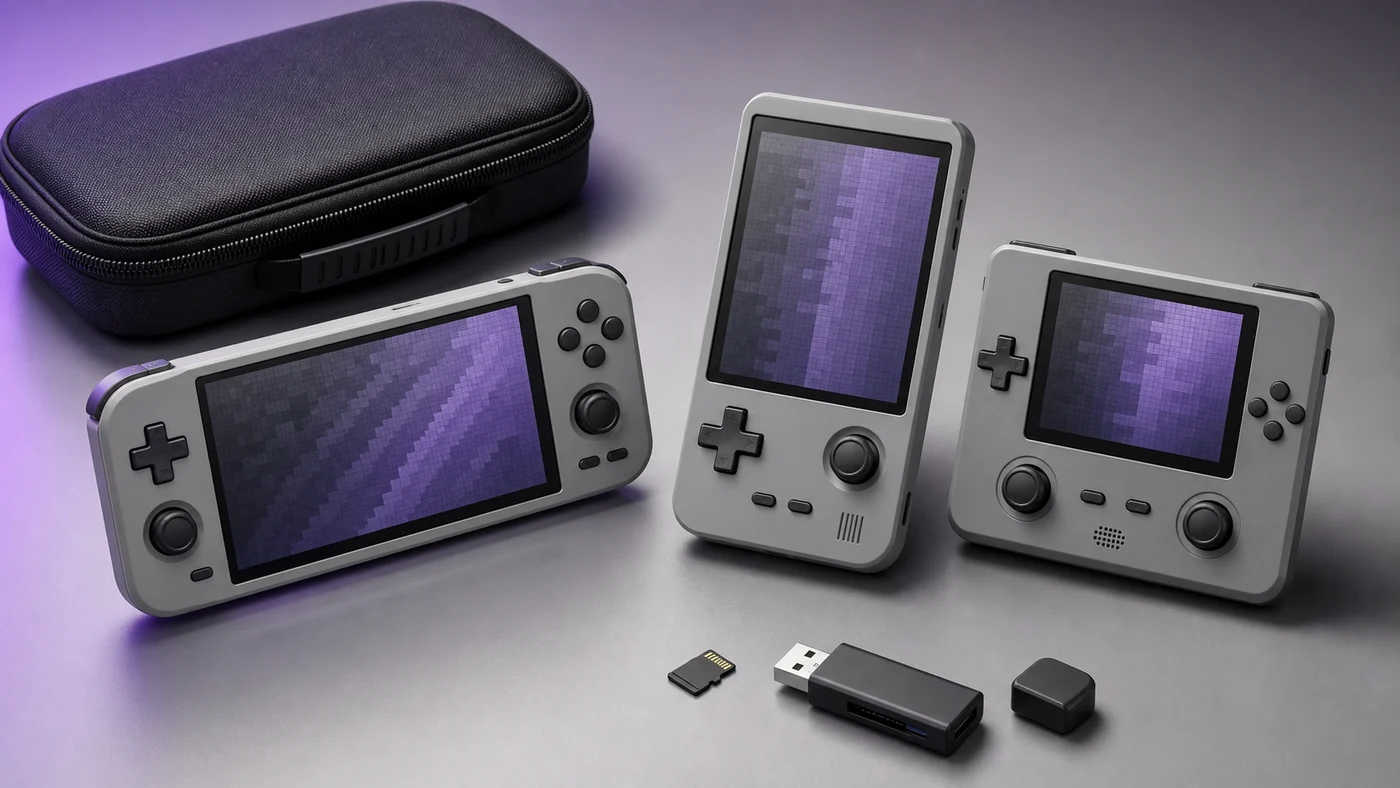
Still, I’ve reached the age where hand comfort beats pocket bragging rights. A tiny handheld can look adorable in photos and feel like a hand cramp with buttons after twenty minutes. I’d rather carry a slightly larger device and actually finish the game.
Can you reach both shoulder buttons without shifting your grip? Does the directional pad sit where your thumb rests? Are the sticks recessed enough for a pocket, and are they comfortable for games that need constant analog movement? Device weight matters less than balance. A heavier handheld can feel stable, while a top-heavy vertical design may strain the fingers.
Before buying, find the manufacturer’s recovery image or the community’s documented rebuild process. If neither exists, skip the device. A failed system card shouldn’t force you to trust an anonymous disk image. Once the handheld arrives, copy its original card and back up saves before any firmware update.
Look for charge limits, sleep drain reports, replacement availability, and whether the battery is glued or connected with a removable plug. Do not charge an unusually hot, swollen, leaking, or damaged device. The EPA battery guidance explains why lithium-ion batteries should not go in household trash or curbside recycling.
A known-brand card reduces one failure point, but the computer copy is the backup that matters. A USB microSD card reader should match your computer’s USB connector and support SDXC for cards larger than 32 GB. Use it to image the original card before changing firmware.
If portability is secondary, compare the handheld with the compact options in our retro setup guide. Read the emulation policy before adding software.
Product dimensions are useful, but daily carry is more personal. Think about where the handheld will go. A coat pocket can handle a different shape than a jeans pocket. A backpack gives you room for a case, headphones, and a charger. Exposed analog sticks and tall shoulder buttons may catch on fabric even when the body is technically small.
If you mostly play at home, pocketability may not matter at all. A larger screen and relaxed grip can be worth far more than shaving a few millimeters from the case.
Test the directional pad with a platformer or puzzle game, the sticks with a 3D title, and the shoulder buttons with something that uses them constantly. Menu navigation will not reveal a stiff diagonal or an awkward trigger. If possible, watch an unedited play session rather than relying only on beauty shots.
The first hour with a new handheld
When the handheld arrives, inspect the screen and controls, connect to Wi-Fi only if needed, and locate the backup tools before loading a giant library. Copy the original storage card if the device uses one. Test charging, sleep, headphones, volume buttons, and a normal shutdown. Finding a bad port during the return window is much nicer than discovering it on a trip.
After that, add a few lawful favorites and take the device somewhere comfortable. The best handheld is the one that disappears into the game instead of constantly reminding you about firmware and settings.
Let the handheld earn its accessories
A case and reliable storage are sensible. A dock, grip, alternate buttons, stick caps, decorative shell, and three charging cables can wait until you know how the device fits your routine. Spend a week playing first. You may discover that the bare handheld is already exactly what you wanted.
Pick the handheld that suits your games, your hands, and the bag you really carry. Then load a few favorites and use it before the next shiny model appears. That next part is advice for me as much as anybody. Have fun out there.