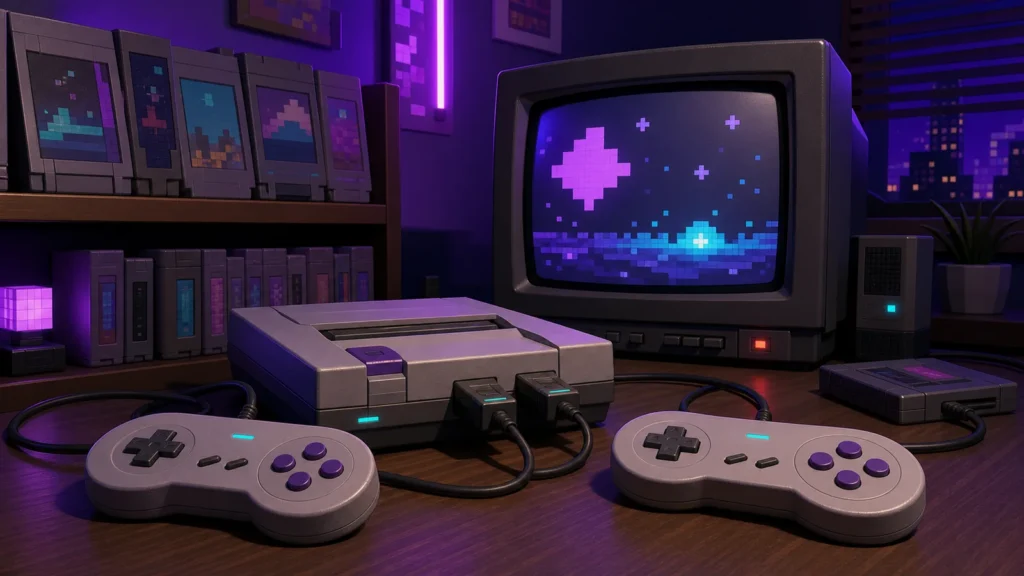
A retro setup should make it easy to play games, not turn the living room into a cable museum. It’s tempting to buy every shiny adapter and controller that appears in a video, but the fun usually starts with a much smaller pile: one system, one comfortable controller, and a display that behaves itself.
My first “setup” was an NES connected through an RF switch, with the cable stretched far enough that somebody eventually tripped over it. Later, I spent an embarrassing amount of time rearranging a Genesis and SNES around a television with one usable input. Fancy? Nope. Did my friends and I care while playing NHL ’94? Also nope.
Start with the way you like to play
For most people building a first retro setup, I recommend emulation on hardware they already own. Choose an original console when its controller, physical media, or special accessories are a big part of why you want to play. Pick a retro handheld when the games need to leave the living room. That one priority settles the hardware question before shopping starts.
The screen and controller matter most
Skip the CRT unless period-correct motion and analog output are the point of the project. A modern television is easier to live with, and an appropriate scaler or converter can handle an older console’s analog signal. If several digital devices share the screen, an HDMI switch designed for gaming setups reduces cable swapping. The switch must support the highest resolution and refresh rate used by any connected device, or it becomes the limit for the entire chain.
Buy a scaler only after an older console produces a soft picture, unstable signal, or noticeable delay on the television you already use. Match it to the console’s actual output, such as composite, S-Video, component, or RGB. A plug shaped like HDMI doesn’t guarantee that the conversion inside is fast or clean.
For a computer at a desk, I’d start with a wired USB controller because setup is simple and there’s no battery to manage. Across a living room, a controller with its own 2.4 GHz USB receiver is usually less fussy than Bluetooth. Bluetooth makes the most sense for phones and handhelds that lack a full-size USB port. Whichever route you take, prioritize a good directional pad and the button layout required by the newest system you plan to emulate. You can browse retro-style controllers on Amazon without turning the controller drawer into a second hobby.
A setup that fits real life
Use a labeled surge protector, leave airflow around hardware, and avoid stacking hot devices. Store cartridges and discs vertically in a dry, moderate environment. Keep an inventory before collecting duplicates. For emulation, maintain a separate backup of saves and configuration files; removable storage is convenient, not a backup by itself.
A good first version can be wonderfully plain. Pick one hardware path and a couple of systems, use the television you already have, and settle in with one controller that feels good. Spend a month playing before changing anything. By then, a real limitation will usually reveal itself, and you can fix that instead of guessing.
Know what problem you are fixing
A display problem is often a chain problem. Write the connection in order: console output, cable, converter or scaler, switch, receiver if used, and television input. Record the signal each device accepts and sends. A passive plug adapter can’t turn every analog format into clean digital video. If one device adds processing, test game mode and compare it with a direct connection.
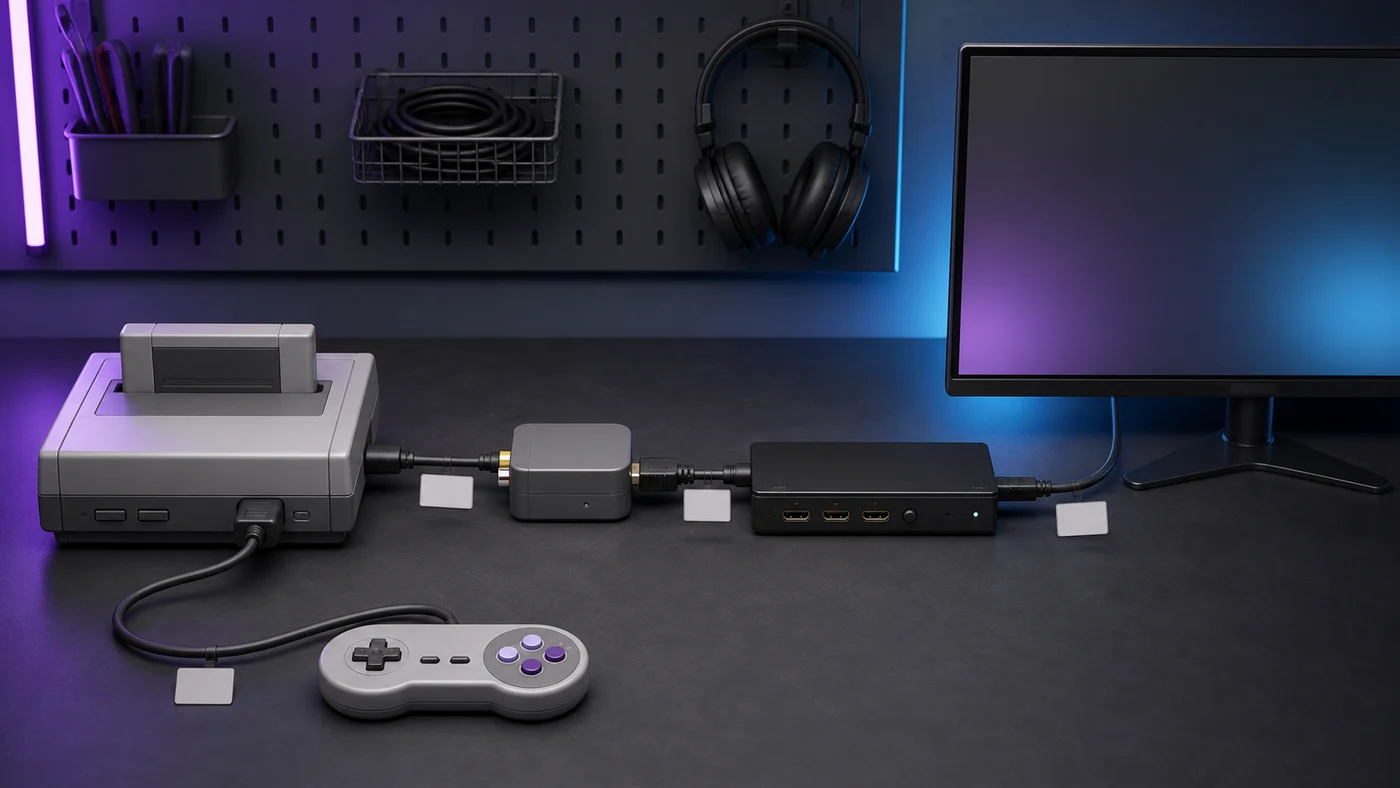
I’ve learned to appreciate modern conveniences here. A clean HDMI connection and a controller that reaches the couch beat crawling behind a television with a flashlight in my teeth. Authentic hardware is great, but discomfort isn’t part of the original experience I feel obligated to preserve.
Use one original console, its original or a trusted replacement controller, and the display already in the room. Spend money first on a safe power supply and the correct video connection. This profile suits players who care about one library and don’t want another computer to maintain.
A small computer with one dependable controller and backed-up storage is my default living-room recommendation. Read our emulator selection guide, then begin with 8-bit and 16-bit systems before asking the box to handle later 3D consoles. If those older systems stutter, buying accessories won’t fix the underlying performance problem.
Keep original hardware for special controllers and use emulation for systems that benefit from fast switching, portable saves, or easier display output. Our original hardware comparison covers the tradeoffs. An appropriately rated surge protector can organize a small shelf, but it should never be daisy-chained or used to exceed a circuit’s capacity.
Note the problem, the change, and the result. “Picture drops when the switch is connected” is useful. “Need a better cable” is not. Change one component at a time, keep return windows in mind, and avoid replacing a working chain because a newer accessory exists.
Before buying anything else, sit down and play for an evening. Notice the real annoyances. Maybe the controller cord is too short. Maybe changing inputs requires three remotes and a small act of diplomacy. Maybe everything works perfectly and the money can stay in your pocket. That last result is allowed.
I like to keep a short wish list beside the setup. An item only graduates to the shopping cart if the same problem shows up several times. This has saved me from buying plenty of clever little boxes that would have spent their lives gathering dust.
Remember why it is there
A neat shelf is satisfying, but it is still a game setup. Keep a few favorites within reach and rotate them when the mood changes. One month might be platformers and puzzle games; the next might be racing games with friends. The setup should bend around those moods instead of locking you into one perfect configuration.
There’s also nothing wrong with an odd mix of old and new. A gray console, a modern television, and a wireless controller adapter can live together happily. If the game starts quickly and everybody knows which button opens the menu, the setup is doing its job.
Build the corner that makes you want to play on a random Wednesday night. If it does that, it’s a good setup. Now I’m going to move one cable and somehow reorganize the entire shelf again. Gamer Dude out.