
ScummVM has opened public testing for another group of classic games, including the first two Rebel Assault titles. That is good news for preservation-minded players, but the invitation calls for a recent daily development build, not the current stable release. Those two words, development build, change the setup.
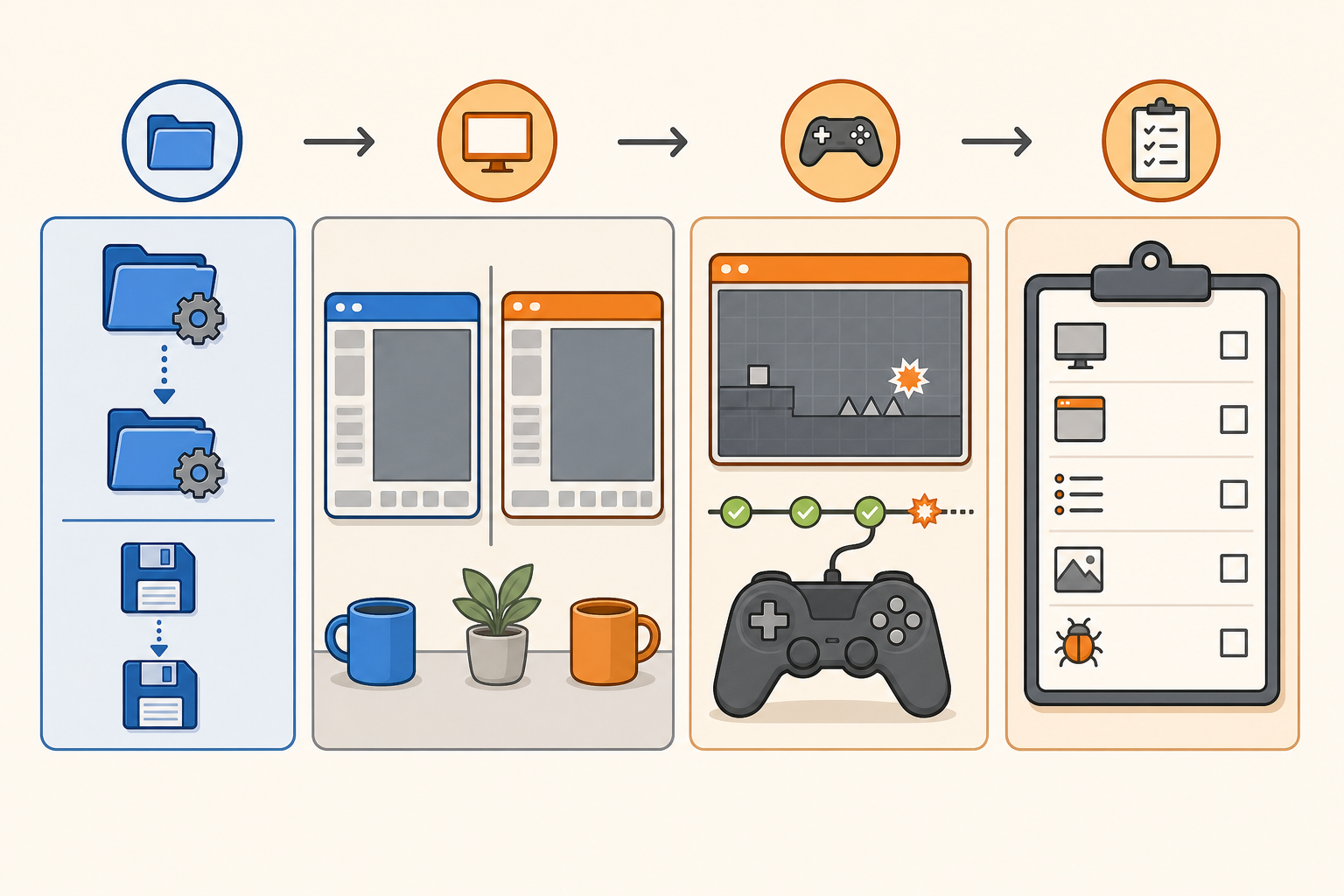
My recommendation is to keep ScummVM stable as the main installation and treat public testing as a separate project. Back up the configuration and saves, use a separate build or test device where the platform allows it, test only game data you obtained legally, and file a reproducible report. If you do not have a safe rollback route, wait for stable support.
I spent the cartridge years swapping games with friends, where testing usually meant blowing on nothing and trying the power switch again. Volunteer software testing needs better notes. The fun part is playing an old game. The useful part is telling the project exactly where it stopped acting old in the correct way.
This invitation is not a stable release
In its August 3 public-testing announcement, the ScummVM team says supported original releases of Rebel Assault and Rebel Assault II are ready for testing. The team asks testers to use a recent daily development build, add the game directory, play through the game, and report problems. It also says the PlayStation release of the sequel is still under development and not part of this round.
The project’s official downloads page draws a bright line between stable and daily builds. It identifies 2026.3.0 as the current stable release and warns that daily builds are bleeding-edge versions that may crash, fail to start, or corrupt the configuration file. That warning answers the main comparison: stable is for the regular library; daily is for a deliberate test with a rollback.
Do not replace the stable shortcut and hope the new build behaves. On a computer where a portable archive can run separately, give the daily build its own clearly named folder. If the platform installs over the current application or shares data in a way you cannot safely control, use a spare device or separate operating-system user profile, or wait. A volunteer test should not turn the family computer into an exhibit.
Copy the small files that carry the history
Close ScummVM before making backups. Copy its configuration file and save directory to a dated location, then confirm the copy contains files. The official ScummVM FAQ points users to the documented configuration and save locations and warns that unauthorized game copies are not supported.
A USB flash drive used for a dated backup can fit a small set of settings and saves when its connector and capacity suit the computer. For several game-data folders or a larger preservation library, an external solid-state drive category is the more sensible comparison. Either choice fails if the copied folder is never opened and checked.
Keep the original game-data directory separate from both ScummVM program folders. Point the test build to an existing lawful copy rather than downloading a bundle from an unofficial source. Do not rename or reorganize the game files during the test because that adds another variable.
Test one supported copy with ordinary settings
Begin with the exact game release named in the announcement and a fresh launch. Record the operating system, ScummVM build date or identifier, game language and platform, and the point reached. Leave graphics, audio, controller, and engine options at ordinary defaults unless the test request says otherwise.
When something fails, repeat the smallest useful sequence once. If the problem disappears, note that. If it repeats at the same point, preserve a save made before the issue and write down the input steps. Change one setting only when it tests a clear idea, then restore it. A report containing six simultaneous tweaks mainly proves that menus have options.
The decision condition is simple. A repeatable crash, missing input, wrong audio, save failure, or progression blocker belongs in a report. A difference caused by an unsupported game edition, incomplete data copy, or custom modification needs correction on the tester’s side first.
Write the report another person can replay
ScummVM’s official bug-report guide is the destination for project-specific reporting steps. Before filing, search the tracker for the same issue. Include the build, operating system, game version and language, clear reproduction steps, expected result, actual result, and any requested log, screenshot, or save file that you are allowed to share.
Do not upload copyrighted game data, copied discs, commercial assets, encryption material, or anything the project does not request. A save or screenshot can also contain identifying information, so inspect attachments. The NerdHobbies emulation and copyright policy explains why owning a disc is not blanket permission to distribute its contents.
If a daily build damages its own configuration, close it and restore the backed-up file only after identifying the correct path. If the stable setup is still intact, leave it intact. The emulator-selection guide has the broader rule I would keep here: documentation and project health matter more than chasing a universal feature list.
My public-testing call
Join the ScummVM public test if you own a supported original release, can isolate the daily build, and are willing to submit a precise report. Keep stable as the main shortcut and keep a dated copy of the configuration and saves. If those conditions are not available, wait for the feature to reach a stable release.
Let the daily build be adventurous while the save folder stays boring. Gamer Dude out.